
December 29, 2009
Two Gmail Accounts in One Browser- Multiple Account Access
Gmail has introduced another feature through which you can now access two gmail accounts from one browser. As you all know that previously we were only allowed to access one gmail account from one browser, but now this is not a big deal. You can sign in to 2 Gmail accounts from a browser.
This feature will now allow you to access 4 gmail accounts from 2 different browsers. Previously i wrote a detail post about how to forward mails from one gmail account to another gmail account.
Automatically Forward Mails From One Gmail to Another
However now you can easily access two gmail accounts from one browser. So there is no need to follow any trick for accessing one gmail account in a browser.
How to Access Two Gmail from One Browser?
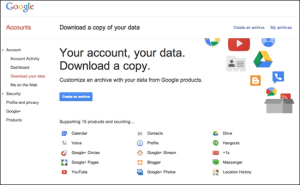
1. Login to your Google Accounts Dash Board.
2. Click on “Edit” button for Multiple Sign In.
 3. Now select “On- Multiple Gmail Option and Tick all the options. Click on “SAVE” button.
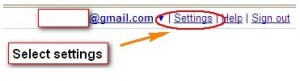
 From now, you can easily access two gmail accounts from one browser. Login to your first gmail account and then click on “Sign in to another account” option from top menu bar, near “Setting” option.
 In this way you can access both gmail accounts, however note that you can only access two gmail accounts not other google services like blogger, picasa etc. This feature only works on Desktop browsers like FireFox, Google Chrome, Opera and Internet Explorer.

 January 11, 2014

4 comments
BlogTipss
I sincerely enjoyed your post Bilal. Two G-mail accounts in one browser is that what Iam looking for. It looks like you have placed a lot of effort into your blog.
Thanks
Jerry
Hieu Martin@Blog Tips
this new very nice with people use more than one account. Thanks friend
Pumama
I have 4 Google Account so i really need this tip.
Thank you.
DEN @ Dreamhost Coupon
Thats a very useful tip for multiple account users